

Focus timer for macOS

Make your focus visible.

A native Mac focus timer that grows a forest on your desktop. Start a session from the menu bar; every one you finish plants a tree that stays there.

Free private beta · macOS 14+ · Apple Silicon

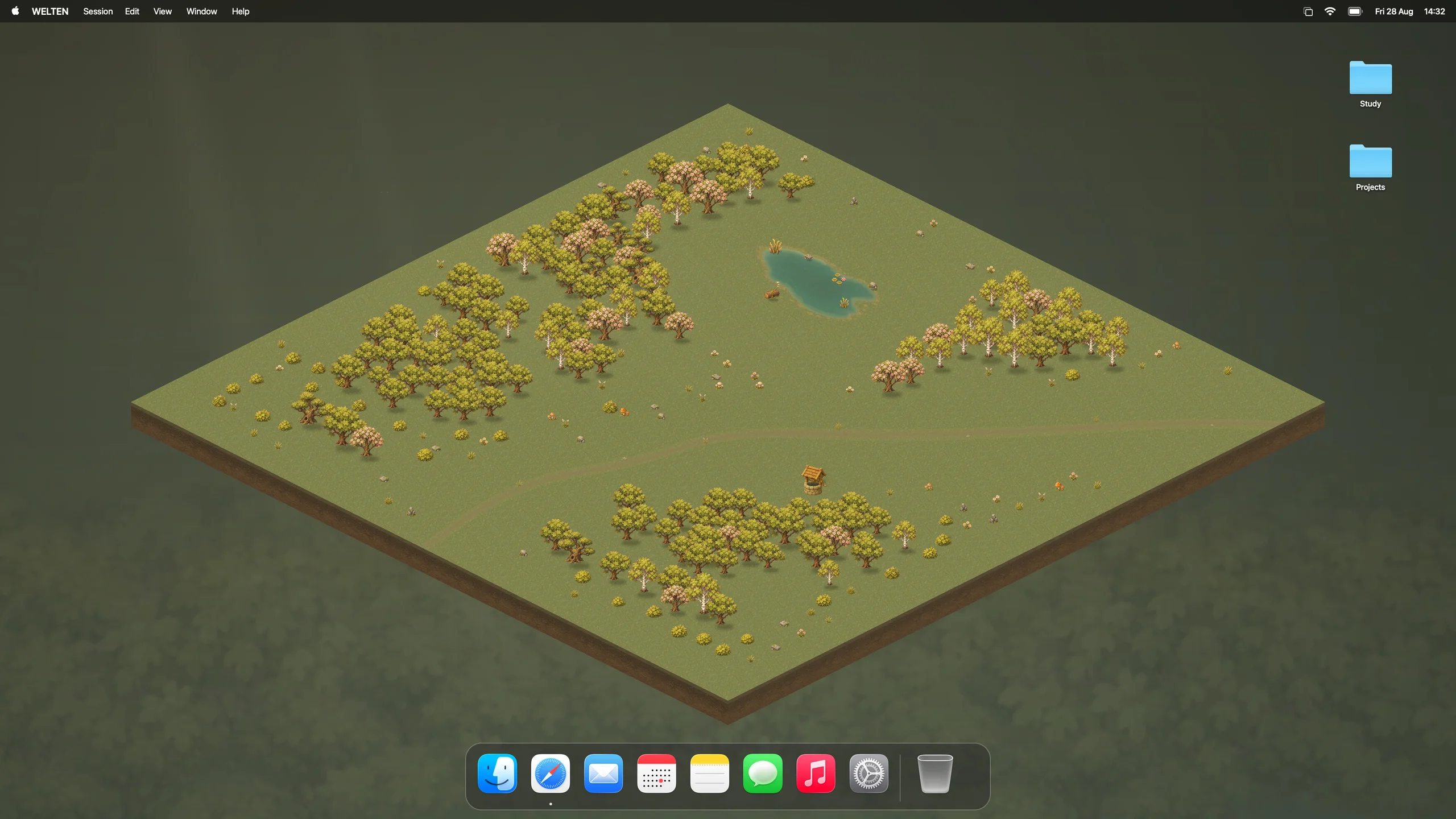
The entire Waldlichtung forest on a Mac desktop, with the macOS menu bar, desktop folders, and Dock

Runs quietly behind your desktop icons.

How it grows

One finished session.
One tree that stays.

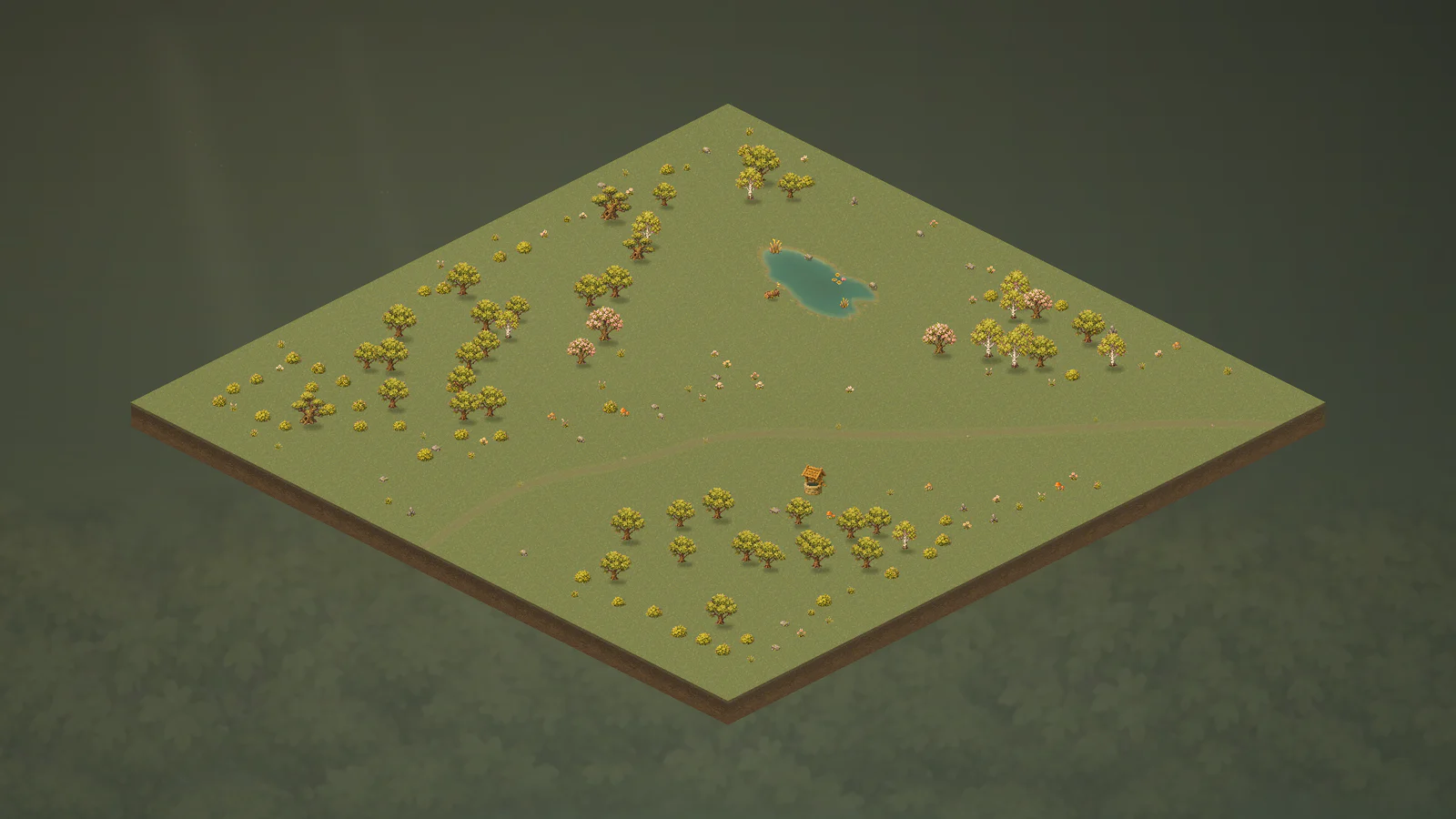
The clearing fills in the order you worked. Nothing is rearranged later.

Waldlichtung after 50 finished sessions
The forest fills in
50finished sessions

Oak: sprout, sapling, mature.
Every tree keeps growing across later sessions.

Inside the app

No window to keep open.

From your menu bar

Your next session,
one click away.

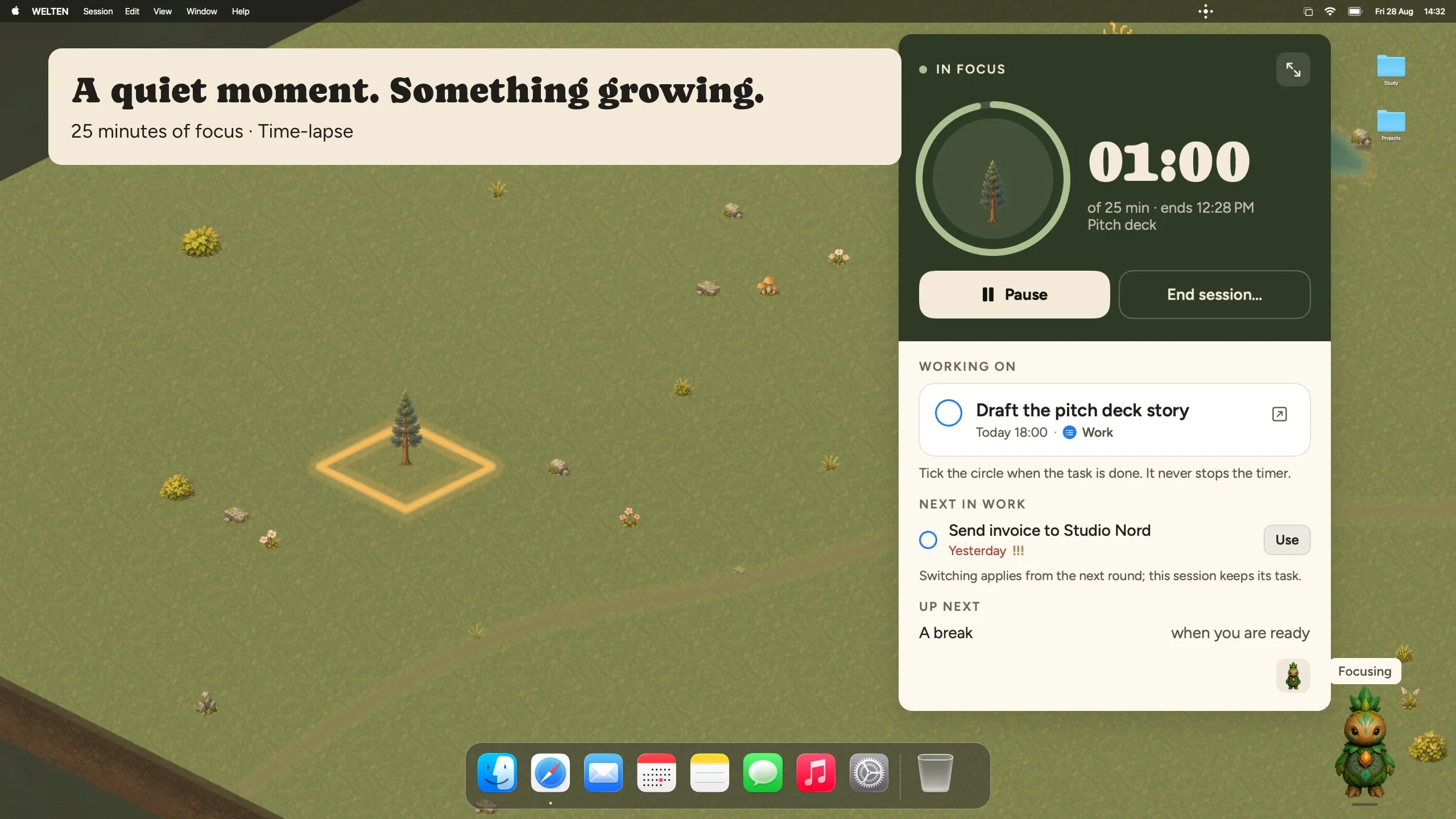
Choose a duration, pick a project, and start. Saved routines skip the setup.

Quick Focus, anywhereF

WELTEN menu bar timer in Cream appearance
What you see when you click the icon.

A closer look

Meet your first world

Find your own
Waldlichtung.

A forest clearing that fills as you work. Each tree family gives it a different character.

7 tree families500 world elements / chapterDark + Cream

When a clearing is full, it moves to your archive and a new one begins.

How it behaves

Your progress stays.

Work gets interrupted. Nothing you’ve grown depends on a streak.

Cancelling costs nothing

No tree is removed and no streak breaks. The clearing stays exactly as it was.

No blocking, no tracking

WELTEN never blocks apps or sites and doesn’t know which app is in front. It only knows whether a timer finished.

Everything stays local

Sessions, projects and worlds are stored on your Mac. No account, no sync, no upload.

Common questions.

Anything else?
hello@welten.app ↗

Does WELTEN change my Mac wallpaper?

No. Your Mac wallpaper stays exactly as you set it. WELTEN draws in its own layer below your desktop icons.

What does it need to run?

An Apple Silicon Mac with macOS 14 or later. Intel Macs are not supported.

What does it cost?

The private beta is free. The full release will be paid, with monthly and one-time purchase options planned.

When can I download it?

There is no date yet. Request a place in the private beta and we’ll email you when it opens.

Private Mac beta

Try it before
it ships.

The beta is small and free. Add your email and we’ll invite you when a place opens.

We’ll use your email to handle your beta request. No newsletter signup. Privacy notice.

This is not an immediate download — invitations go out in batches.

Testers keep free access until at least 30 days after launch and get 30% off the one-time price. No automatic charges. Beta terms.

Prefer email? hello@welten.app